Use demonstration play for a specific learning task
Where a Zora game offers a demonstration option, it can help you locate the controls and understand the sequence of a round. Give the session a limited purpose: identify the total stake, open the rules or see how a feature is explained. A successful demonstration result is not evidence that the same result will occur after switching to a paid mode.
Before each action, confirm which mode is active and which balance is displayed. Do not assume that returning from another page preserves the previous mode. A demonstration balance is not a withdrawable account balance. If a title requires registration or does not expose a demo option, the absence of a button should not be replaced with an unofficial download or imitation game.
Repeat the important checks after a mode change
The transition to paid play deserves a fresh review of the title, stake and selected balance. Check optional settings again, particularly when a paid feature has its own confirmation. The help panel for the actual loaded version is the relevant reference for any RTP or mode-specific statement. A demonstration screen alone cannot verify the account’s bonus eligibility.
Keep practice conclusions narrow. You may have learned where the rules button is or how the interface presents a result. You have not established a reliable winning sequence, the likely outcome of the next round or a safe budget for an extended session. If the controls remain unclear, stop at that learning stage. There is no need to make a deposit merely to prove that you understood the demo.
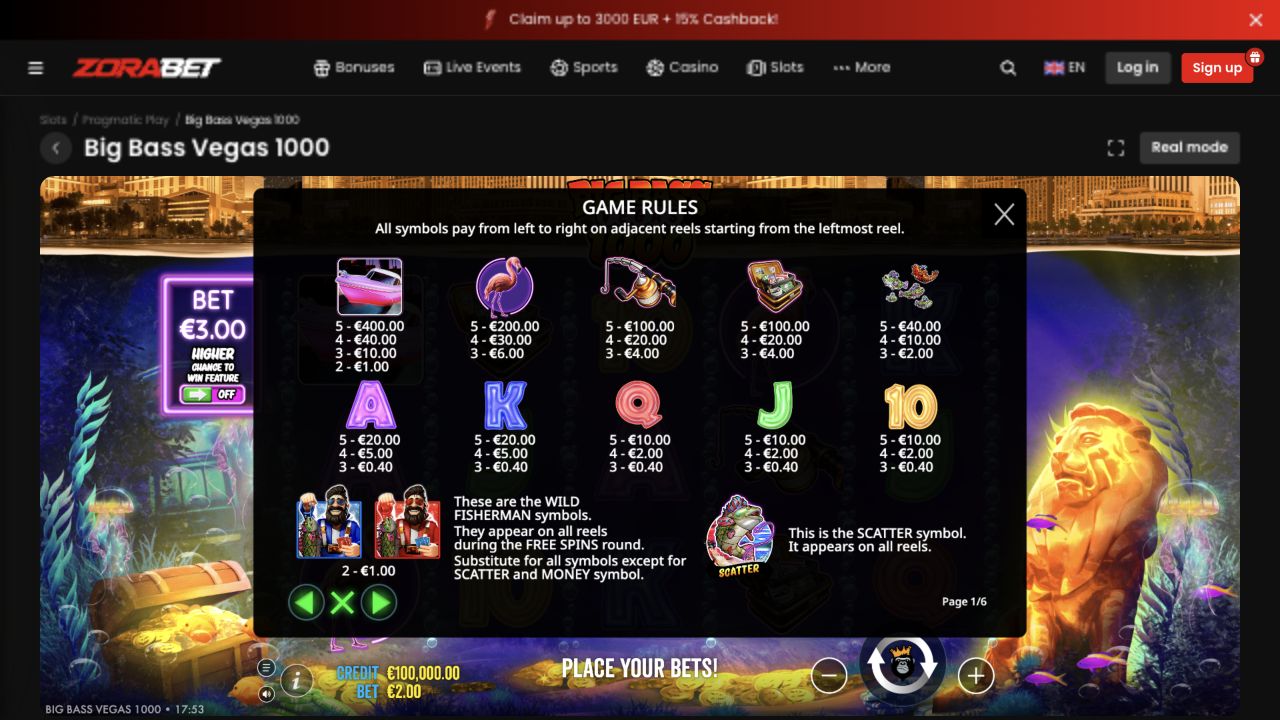
Locate the mode label before interpreting the balance
A familiar game screen can conceal a different funding mode. Find the explicit demo or real-play indication, where the client provides it, and read the balance beside that context. A large virtual amount is part of the demonstration environment. It should not be used as evidence that the account received money or that the same amount can be withdrawn from Zora.
If the route offers no demo choice, record that observation rather than inventing an alternative access path. The public catalogue, a logged-in client and a demonstration page can expose different controls. A guide can explain which screen was inspected without claiming every user sees an identical button. The absence of a control also does not justify trying an unrelated third-party copy of the game.
Give practice a beginning and an end
A useful short practice task is to find the information menu, identify the full cost display and learn how a round’s final result is separated from its animation. Once those questions are answered, the task is complete. There is no need to wait for a bonus feature to prove that the controls have been understood or to continue until the virtual balance looks favourable.
Write conclusions about the interface in concrete terms: the rules open from a named menu, the stake is shown in a particular place, and the history distinguishes accepted rounds. Avoid conclusions such as the game being generous because a demonstration sequence paid well. The first set describes observable usability; the second tries to predict future paid outcomes from a short unrelated sequence.
Make the transition a fresh decision
Returning to paid play should trigger a new check of currency, complete stake and any active reward. A promotion’s eligibility is an account condition, not a property proved by a demo. If a free-spin package is intended, navigate from its reward entry and verify the assigned game rather than assuming the demonstration window will automatically consume the allocation.
You may finish the inspection without taking that next step. Registration, depositing and confirming a round remain separate actions. When using an image from practice in a guide, label it as a demonstration and explain the control or rule it illustrates. This keeps the screenshot useful without presenting virtual winnings as a funded test or suggesting that a reader will receive the same result.